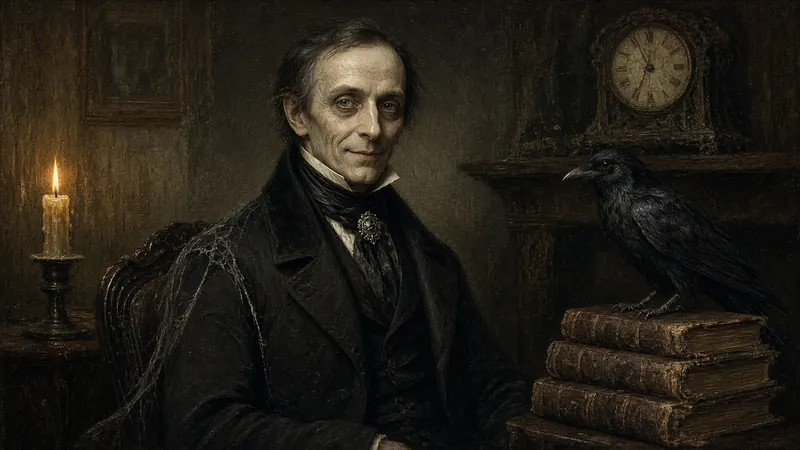
 Character one
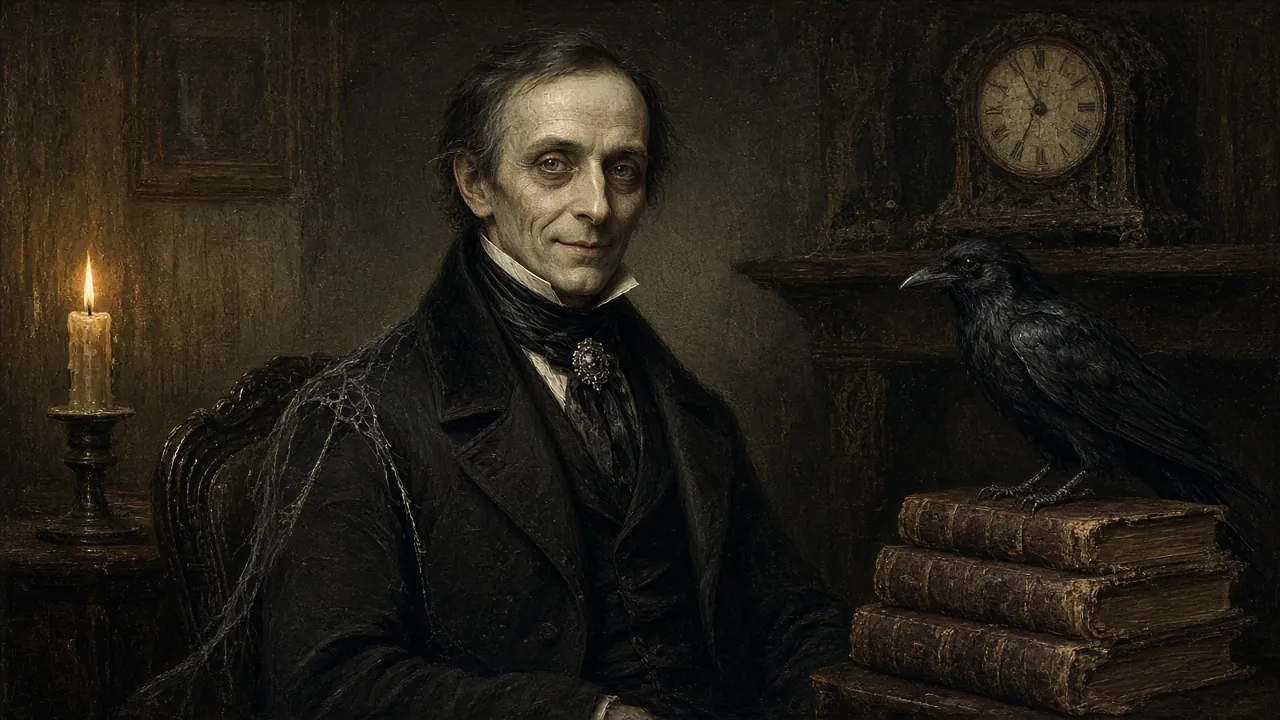
Halloween DIY kit
The Haunted Portrait
Turn your TV into a haunted portrait that watches, mutters, and talks back.
Uses your camera on this device only. Nothing is recorded or sent.
Camera on. He sees you.
Downloads open before Halloween.
The demo
The TV is the frame
No gilt and no glass. Just the painting, perfectly still, until someone walks past.
-
Watches
Holds perfectly still while its eyes follow real people walking past the phone’s camera.
-
Mutters
Grumbles under its breath about the real things it notices in the room.
-
Scolds
Shine a flashlight at it and you will hear about it. At length.
-
Talks back
Speak to it and it answers by voice, fully in character.
How it works
Three steps to a haunting
Your Grok Bot does the building. An old phone does the haunting.
-
Drop in the file
Give the setup file to your Grok Bot. It reads the instructions and builds the portrait web app for you.
-
Open it on an old phone
Open the app on a spare smartphone. It uses the phone’s own front camera and mic to see and hear who walks by.
-
Plug it into your TV
Connect the phone with a USB-C to HDMI adapter, or cast it wirelessly. Prop it by the screen, dim the lights, and let your guests discover who is watching.
Pick your character
Who will haunt your wall?
Original characters, painted in oils and made to be lived with. More are on the way.
Character one
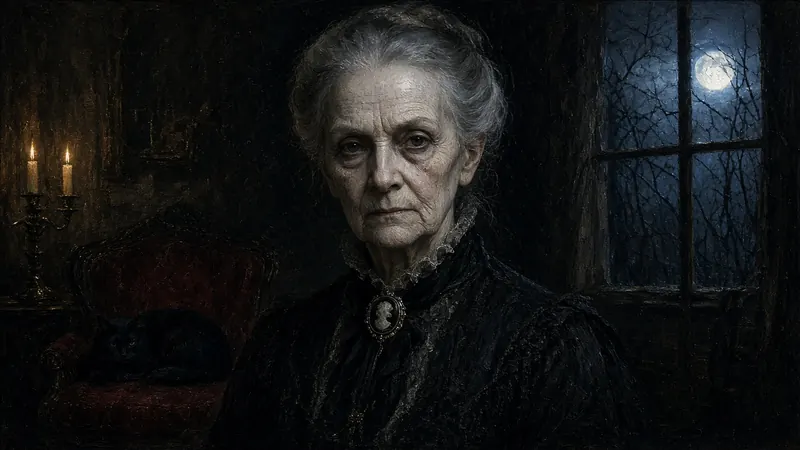 Character two
What you need
Mostly things you already own
The complete hardware list, with tips for mounting and lighting, will be in the PDF guide.
Full list arriving before Halloween
- A TV or monitorHung portrait-style or landscape. The screen is the frame.
- An old smartphoneIts front camera and mic let the portrait see and hear you. His voice plays through the TV.
- A way to reach the TVA USB-C to HDMI adapter, or wireless casting or screen mirroring.
- No spare phone?An old laptop over HDMI works too, or a mini PC with a webcam.
- Your Grok BotIt reads the setup file and builds everything.
Downloads
The kit
Everything you need to raise your own portrait. The files unlock before Halloween.
Setup file
Drop it into your Grok Bot and it builds the portrait for you, step by step.
Arriving before HalloweenApp files
The portrait app itself, ready to run full screen on an old phone plugged into your TV.
Arriving before HalloweenPDF guide
Setup steps, the hardware list, and ideas for personalizing your portrait.
Arriving before HalloweenThe demo clip will live at the top of this page.
Questions
Before you knock
When can I download it?
The kit is being finished now. The setup file, app files, PDF guide, and demo clip will all be posted here before Halloween.
Do I need to know how to code?
No. The setup file is written for your Grok Bot, so it does the building. You open the app on a phone and plug it into your TV.
What hardware do I need?
A TV or monitor, an old smartphone, and a USB-C to HDMI adapter (or a way to cast the phone’s screen to your TV). The phone’s own front camera and mic do the watching and listening. No spare phone? An old laptop over HDMI, or a mini PC with a webcam, works too. The PDF guide will have the full list.
Does the camera footage go anywhere?
The portrait processes its camera on your own device. This website has no accounts and no cookies, and it doesn't collect personal info. The optional “Let him see you” button on this page works the same way: it asks for your camera only when you tap it, finds your face right here in your browser, and nothing is recorded, stored, or sent anywhere. Tap Stop (or leave the page) and the camera switches off.
Can I make my own character?
Yes. The guide will include ideas for personalizing your portrait, and more characters are on the way.
Post yours on X with #HauntedPortrait
See the hashtag (opens in a new tab)